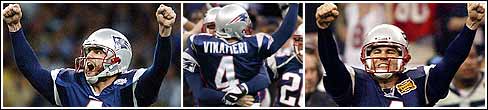
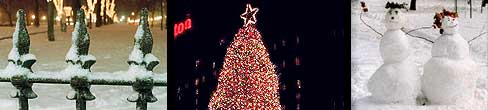
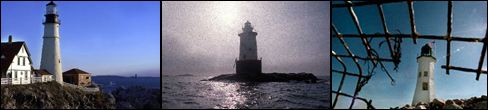
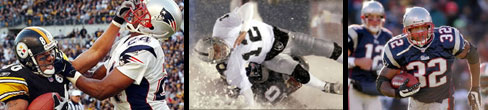
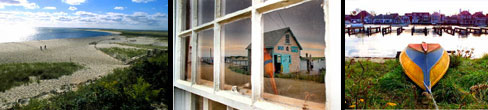
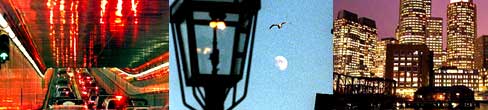
Keep your monitor fresh with one of nine FREE screensavers from Boston.com. Whether it's the Boston Red Sox, the Super Bowl XXXVIII Champion Patriots, scenes of Boston at night or beautiful photos of New England's lighthouses, we have The Boston Globe photos you want. Enjoy the beauty that is Boston.
The Boston.com screensavers available for download will only run on Microsoft Windows 95 and above.
When asked, choose to save the file on your computer. After the file is finished downloading, double-click on "sox_alds_champs.exe" to complete installation.
When asked, choose to save the file on your computer. After the file is finished downloading, double-click on "sox_alds_champs.exe" to complete installation.
END Pats Playoffs SCreensaver -->
When asked, choose to save the file on your computer. After the file is finished downloading, double-click on "sox_alds_champs.exe" to complete installation.
When asked, choose to save the file on your computer. After the file is finished downloading, double-click on "redsox_playoffs.exe" to complete installation.
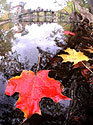
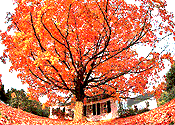
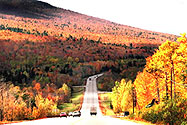
When asked, choose to save the file to your desktop. After the file is finished downloading, double-click on "fall_foliage" icon to complete installation.
When asked, choose to save the file on your computer. After the file is finished downloading, double-click on "holiday_setup.exe" to complete installation.
When asked, choose to save the file on your computer. After the file is finished downloading, double-click on "lighthouse_setup.exe" to complete installation.
When asked, choose to save the file on your computer. After the file is finished downloading, double-click on "super_bowl_champs.exe" to complete installation.
When asked, choose to save the file on your computer. After the file is finished downloading, double-click on "capecod.exe" to complete installation.
When asked, choose to save the file on your computer. After the file is finished downloading, double-click on "night_setup.exe" to complete installation.